
Blocked by a school firewall? 🔒 Stuck behind a country-wide ban on YouTube or Facebook? You’re not alone. Millions of people search for a FilterBypass proxy every month, hoping for one thing: fast, free, unrestricted internet access. In this guide, we break down what FilterBypass.me actually offers, how to use it step by step, where it falls short, and the best FilterBypass alternatives to try instead — including one built for people who need something more reliable than a free web proxy. 🚀
What Is FilterBypass? 🤔
FilterBypass is a free, SSL-encrypted web proxy that lets you visit blocked websites by hiding your IP address and routing your traffic through its own servers. It’s aimed squarely at students, employees, and anyone facing local network restrictions rather than government-level censorship.
Here’s what it offers at a glance:
- 🌐 Free to use — no account or payment required
- 🔐 SSL encryption between your browser and its servers
- 🙈 No-logs claim — the service states it doesn’t record browsing activity
- 🎥 Video-site support for YouTube, Dailymotion, Vimeo, and Twitch.tv
- 🧩 Browser extension for Chrome and Firefox, so you can proxy specific domains automatically
- 🌍 Multiple server locations, giving it a niche global user base concentrated in Pakistan, Greece, and Russia
Why People Use FilterBypass ✅
FilterBypass built its following on a few specific strengths compared to other free proxies of its era:
- 📺 Real video streaming — unlike many free proxies that choke on video, it’s optimized to stream YouTube and similar sites in decent quality
- 🛡️ Encrypted connections — SSL encryption protects data in transit, which matters most on public or school Wi-Fi
- 🕵️ Anonymity by design — with no activity logs kept (per the provider), there’s no browsing history tied to your identity
- 🧩 Add-on convenience — the browser extension applies the proxy automatically to selected sites, including the proxy site itself, so you don’t have to re-enter URLs each time
How to Use FilterBypass: Step-by-Step 📝
Setting it up takes less than a minute, whether you use the website or the browser add-on.
Option 1: Use the Website
- Open the site. Go to the FilterBypass website in your browser.
- Enter the URL. Type the address you want to visit — for example, « www.youtube.com » — into the text box on the homepage.
- Click « Surf. » Hit the button next to the text box to launch the connection.
- Browse anonymously. FilterBypass fetches the page through its own server, bypassing your network’s filter. 🎉
Option 2: Use the Browser Add-on
- Install the FilterBypass extension for Chrome or Firefox.
- Open the options page and select which domains should route through the proxy.
- Toggle the proxy mode ON or OFF whenever you need it.
⚠️ One important note: FilterBypass adds a layer of anonymity, but it’s not a full privacy solution. Pair it with other security tools — like antivirus software — if you’re handling anything sensitive.
⚠️ Why Look for a FilterBypass Alternative?
Free web proxies like FilterBypass are convenient, but they come with real trade-offs that are worth knowing before you rely on one:
- 🐢 Inconsistent speed. Free servers are shared by everyone at once, so streaming and downloads can slow to a crawl during peak hours.
- 📣 Ads and pop-ups. Free proxies typically fund themselves with advertising, which can clutter the browsing experience.
- 🔓 Limited protection. A browser-based proxy only reroutes traffic from that tab — it doesn’t encrypt your whole device the way a VPN does.
- ❓ Unverifiable « no-logs » claims. Free services rarely publish independent audits, so there’s no way to confirm what is or isn’t collected.
- 🚫 Uptime isn’t guaranteed. Free proxy sites are frequently blocked, rebranded, or taken offline entirely — several directory listings currently flag FilterBypass’s browser add-on as not updated since 2022, so availability can be inconsistent.
- 🏢 Not built for serious use cases. There’s no dedicated IP, no rotating residential network, and no support for scraping, multi-account management, or business-grade traffic.
If any of that sounds like a dealbreaker, it’s worth comparing FilterBypass against a few solid alternatives. 👇
Top 3 FilterBypass.me Alternatives
These three cover the range — from free web proxy, to full VPN, to a dedicated paid proxy service — so you can pick based on what actually matters to you: cost, privacy, or reliability.
1. CroxyProxy — Best Free Web Proxy Alternative
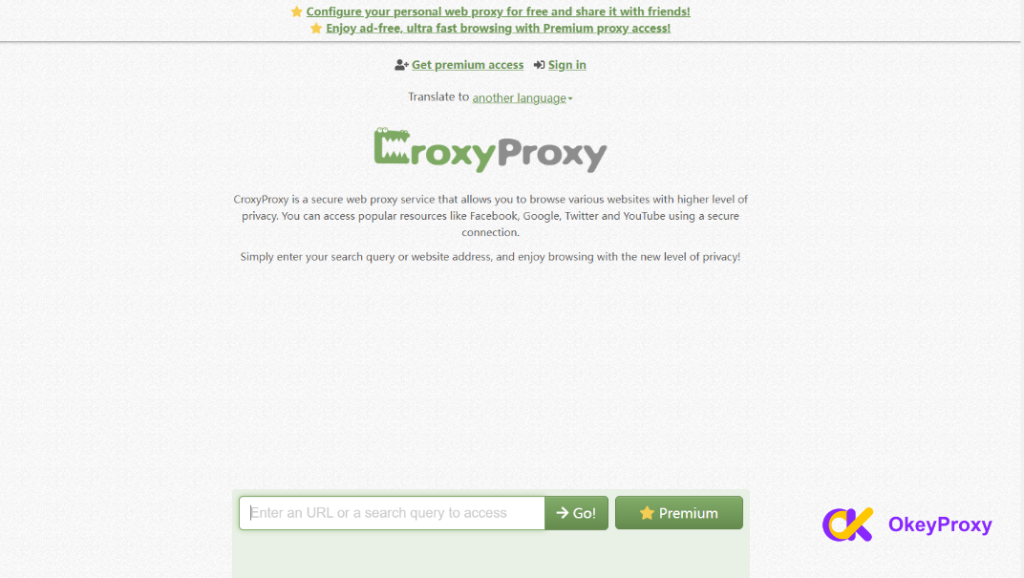
CroxyProxy is a free, secure web proxy that supports an even broader range of sites than FilterBypass — video platforms, search engines, social media, and email included. It’s an easy, no-signup way to reach YouTube, Facebook, Google, and Gmail from a restricted network. 🎯
2. Hide.me — Best for Full VPN Privacy
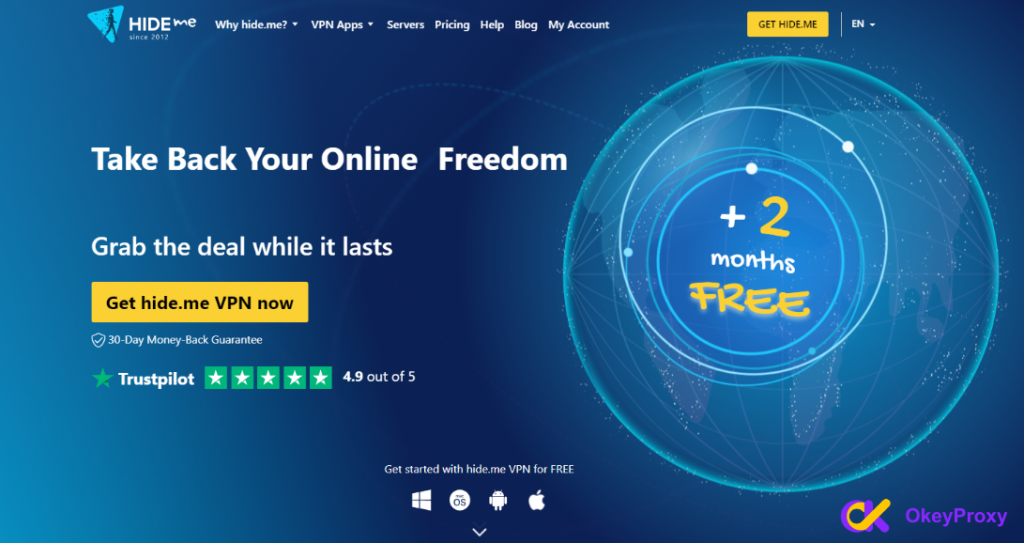
Hide.me goes a step further than a browser proxy: it’s a full VPN that masks your identity, location, and IP address behind multiple layers of encryption. With a strict no-logs policy, global servers, a kill switch, and DNS leak protection, it’s built for people who need device-wide privacy, not just a single unblocked tab. 🛡️
3. OkeyProxy — Best Paid Proxy for Reliability & Scale 🏆
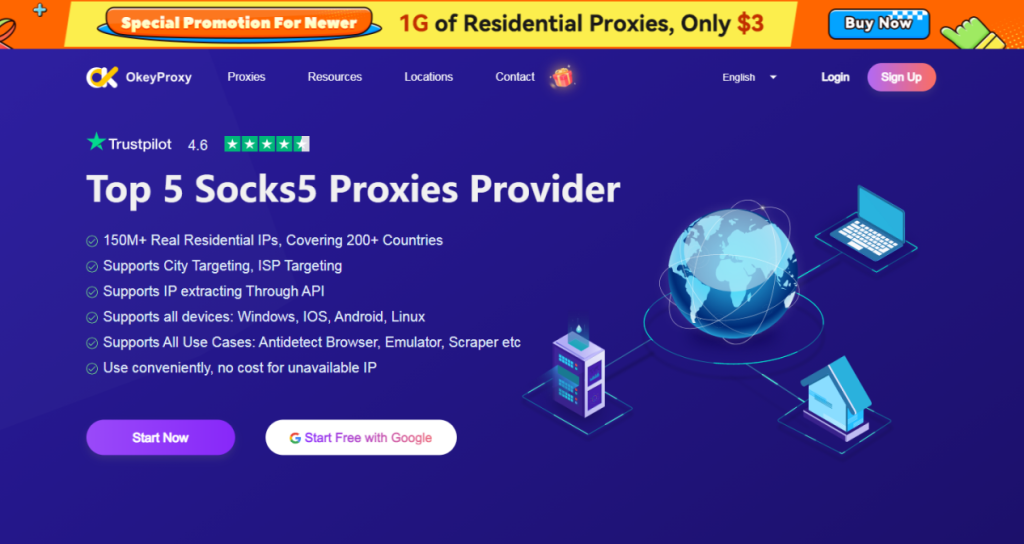
If free proxies keep letting you down — slow speeds, dead links, no real support — OkeyProxy is the upgrade worth making. It’s a paid residential and ISP proxy service built for people who need their connection to actually work, every time. ✨
- 🌎 Genuine residential & ISP IPs from real devices across the globe, far harder to detect or block than free proxy servers
- 🔄 A fresh IP for every connection, ideal for scraping, geo-testing, ad verification, and market research
- 👥 Multi-account management support, so social media, e-commerce, and affiliate accounts stay isolated and safe
- 💰 Pay-as-you-go pricing starting from around $0.64/GB for rotating residential proxies — no bloated subscriptions
- 🛠️ Simple dashboard and API access, with quick endpoint generation and clear developer docs for fast integration
- 💬 Real support when something breaks — a level of reliability free web proxies simply can’t offer
👉 Try OkeyProxy today and see the difference a real proxy network makes — no more refreshing a dead free proxy page when you actually need it to work.
FilterBypass and Online Privacy 🔍
FilterBypass is a reasonable quick fix for getting past a local filter. Its SSL encryption and no-logs claim genuinely help with casual privacy. But it should be treated as a convenience tool, not a complete security solution — for anything more serious than unblocking a video, pair it with a trusted VPN or a dedicated proxy service like the alternatives above.
Frequently Asked Questions
Is FilterBypass.me safe to use?
It uses SSL encryption and claims not to log user activity, which covers the basics. But because it’s a free, browser-level proxy, it doesn’t protect your whole device the way a VPN does, and its no-logs claim isn’t independently audited.
Is FilterBypass still working?
Free proxy sites like this one change frequently, and some directories currently list FilterBypass’s extension as unmaintained since 2022. If it’s unreachable when you try it, CroxyProxy, Hide.me, or OkeyProxy are reliable next steps.
What’s the best paid alternative to FilterBypass?
For anyone who needs consistent uptime, real IP diversity, or business-grade features like multi-account management and scraping, OkeyProxy is the strongest paid pick on this list.
Conclusion
FilterBypass is a workable free option for dodging a school or office firewall. ✅ But free proxies come with real limits — slow speeds, ads, and unreliable uptime among them. If you want something you can actually count on, CroxyProxy and Hide.me are solid free-to-mid-tier picks, while OkeyProxy is the clear choice for anyone who needs stable, scalable, business-ready proxy access. Pick the option that matches how seriously you rely on your connection — and stop losing time to a proxy that gives up right when you need it. 🚀