


















6 Best Proxy Browsers for Online Privacy in 2026
Worried about who's watching your browsing? 👀 You're not alone. Proxy browsers give you a fast, practical way to hide your IP, dodge trackers, and unlock geo-restricted content — all without touching your system settings. In this guide, we'll break down what proxy browsers actually are, why they matter for your privacy, and which tools are genuinely worth your money in 2026. We'll also show you how pairing the right browser with the right proxy provider takes your anonymity from "good enough" to rock-solid. Let's dive in. 🚀
What Are Proxy Browsers? 🌐
Before ranking the best proxy browsers, let's get the basics straight. A proxy browser is a specialized web browser (or a regular browser paired with proxy tech) that routes your internet traffic through a proxy server. That server sits between you and the website you're visiting — masking your real IP address and, in many cases, encrypting your data along the way.
Two things happen at once: 🔓 you unlock content that's normally geo-blocked, and 🛡️ you keep your identity a lot more private in a world where data collection is the default, not the exception.
What Is Online Privacy, Really? 🕵️
Before you can appreciate what these browsers do, it helps to understand what you're protecting.
Your IP address and location are two of the first data points advertisers and trackers grab. That doesn't mean a hacker is lurking around every corner — but it does mean data brokers are quietly building a profile of you. Once they have your IP, browsing habits, and device fingerprint, they can assemble a scarily accurate picture of who you are, what you like, and what you're likely to click on next.
Most sites layer on additional tracking: cookies, device fingerprints, browser metadata. All of it feeds into your online profile. Not every company misuses this data, but plenty resell it — and once it's out there, you can't pull it back. 📉
True 100% privacy isn't realistic. But keeping the most sensitive pieces of your digital identity private? That's very achievable — and that's exactly where a proxy browser earns its keep.
Why Use Proxy Browsers to Protect Your Privacy? 💡
There are plenty of ways to boost your digital privacy, but a proxy browser is one of the cheapest and most effective. Here's what it actually does for you:
- 🎭 Hides your real IP and swaps in a new one from a location you choose
- 🔓 Unblocks websites and content restricted in your country
- 🍪 Strips tracking cookies and blocks fingerprinting scripts
- 🔐 Encrypts your traffic so ISPs and snoopers see a lot less
- 👥 Lets you run multiple isolated browser profiles without accounts getting linked
Put simply: connect through a proxy, and your original IP, location, and browsing footprint stay a lot more private. But which browser should you actually use? Let's rank them. 👇
The 6 Best Proxy Browsers in 2026 🏆
Here's our hands-on breakdown with the honest pros, cons, and pricing for each one so you can pick the right fit.
1. Multilogin — Best for Enterprise Teams & High-Stakes Accounts 🥇
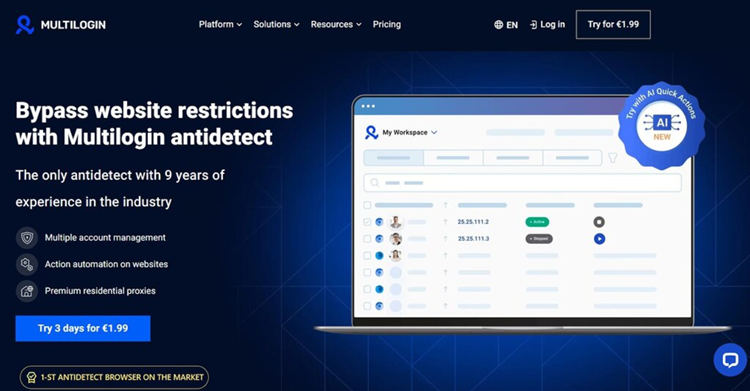
Multilogin is the industry veteran, and it's still the gold standard for anyone doing serious multi-accounting or web scraping at scale. It masks your digital fingerprint with genuinely advanced spoofing, which keeps detection rates low even on strict platforms.
- ✅ Pros: Top-tier fingerprint quality, supports both Chromium and Firefox engines, solid team/collaboration tools, strong track record on high-fraud-detection platforms.
- ❌ Cons: Pricier at higher tiers, steeper learning curve for beginners.
- 💰 Pricing: Entry plans start around $10-41/month for a handful of profiles, scaling up to $99+/month for larger teams with more proxy traffic and profiles.
- 🎯 Best for: Agencies and enterprises managing large volumes of accounts on high-security platforms.
2. Incogniton — Best for Beginners on a Budget 💸
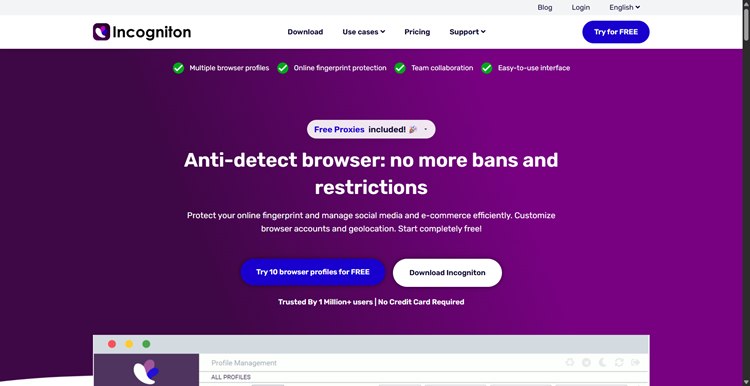
Incogniton is a friendly, no-fuss antidetect browser that works on both Mac and Windows. Each profile gets its own digital fingerprint, so it behaves like several different people are sharing one browser — safely.
- ✅ Pros: Generous free plan, simple interface, noticeably cheaper than premium competitors.
- ❌ Cons: Fewer advanced automation features than Multilogin or AdsPower; better suited to technically comfortable users who want to keep costs low.
- 💰 Pricing: Free plan available (around 10 profiles); paid plans run roughly 2–3x cheaper than Multilogin's comparable tiers.
- 🎯 Best for: Freelancers, solo marketers, and anyone testing the antidetect-browser waters before committing.
3. GoLogin — Best All-Rounder & Value Pick ⚖️
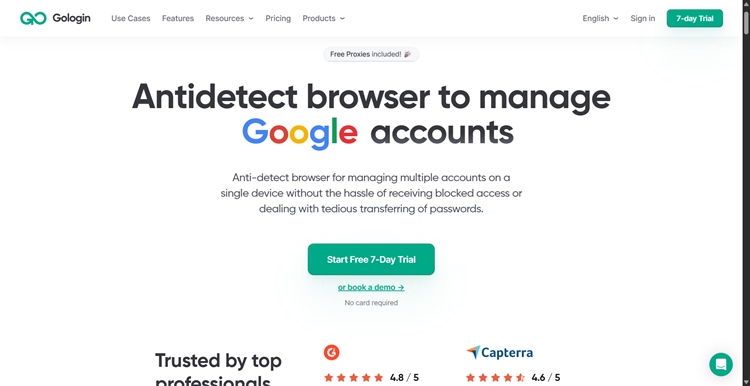
GoLogin lets you spoof every parameter a website can see, effectively imitating a real device to slip past anti-fraud systems. It's one of the very few tools here with a true native Android app, so you're not chained to your desktop.
- ✅ Pros: Forever-free tier, strong price-to-profile ratio, built-in residential proxy traffic, native mobile app, annual billing cuts costs by up to 50%.
- ❌ Cons: Chromium-only (no Firefox engine), browser kernel can occasionally lag a version behind Chrome.
- 💰 Pricing: Free plan with 3 profiles; paid plans typically start around $9/month depending on billing cycle and profile count.
- 🎯 Best for: Solo operators and small teams who want reliable stealth without enterprise pricing.
4. AdsPower — Best for Cross-Border E-commerce & Ad Management 🛒
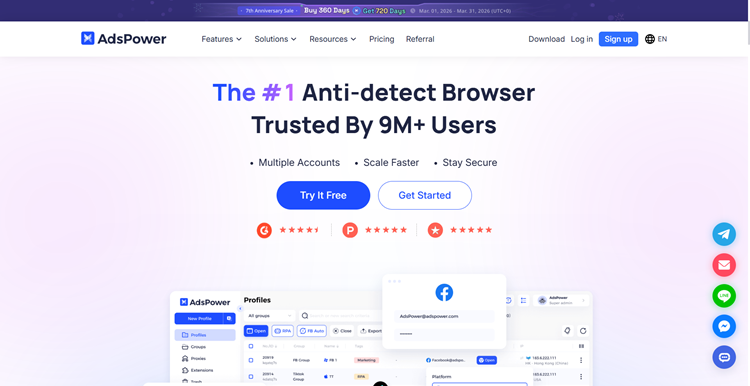
AdsPower focuses on isolated, clean fingerprint environments built for cross-border sellers and ad managers who need to reduce costs and boost efficiency. Its automation tools and API let you batch-create profiles without writing a line of code.
- ✅ Pros: Free plan available, powerful no-code automation (RPA), batch account import, solid API for developers.
- ❌ Cons: Free tier is limited to just a couple of profiles with no collaboration tools.
- 💰 Pricing: Free plan (2 profiles); paid plans start around $9/month for 10 profiles.
- 🎯 Best for: Cross-border e-commerce sellers and advertising teams running multiple ad accounts.
5. Dolphin Anty — Best for Affiliate Marketing & Social Media at Scale 📱
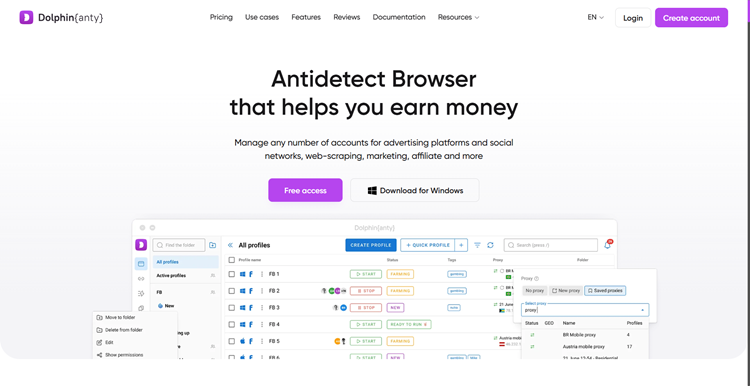
Dolphin Anty was built with affiliate marketers, social media managers, and crypto traders in mind. Its standout feature, the Synchronizer, lets you replicate actions — posting, engagement, account warming — across dozens of profiles at once from a single master profile.
- ✅ Pros: Real-device fingerprints, powerful bulk automation via Synchronizer, built-in proxy marketplace, auto-login for major platforms.
- ❌ Cons: Desktop-only (no mobile app), costs climb quickly once you go beyond the free tier.
- 💰 Pricing: Free plan (around 5 profiles); paid plans start at $10/month for 20 profiles.
- 🎯 Best for: Affiliate marketers and social teams running high-volume, repetitive account actions.
6. Brave Browser — Best Free Everyday Privacy Browser 🦁
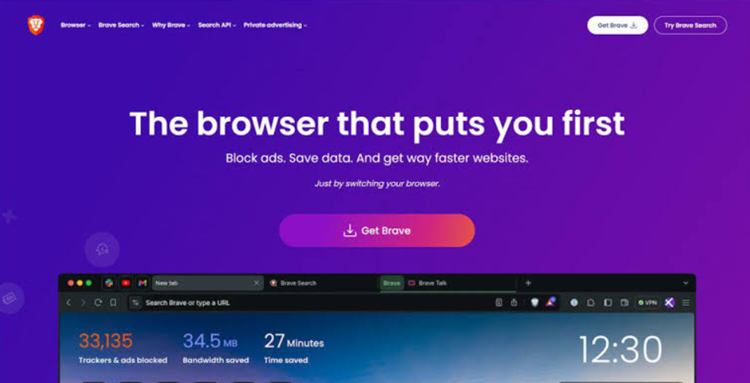
Worth calling out separately: Brave isn't an antidetect or multi-accounting browser like the tools above — it's a free, open-source, Chromium-based browser built for everyday privacy. It blocks ads and trackers by default, offers private Tor browsing windows, and (since mid-2026) even added built-in Containers for isolating tabs without extensions.
- ✅ Pros: Completely free, blocks trackers and ads out of the box, private Tor windows for extra anonymity, optional built-in VPN for whole-device protection.
- ❌ Cons: Not designed for serious multi-account management or fingerprint spoofing at scale; the optional Brave VPN (around $9.99/month) is pricier than dedicated VPN services with fewer advanced features.
- 💰 Pricing: Free browser; optional Brave VPN add-on around $9.99/month or $99.99/year.
- 🎯 Best for: Everyday users who want a fast, private, ad-free browsing experience without managing multiple business accounts.
Quick Comparison: Which Proxy Browser Fits You? 📊
| Browser | Best For | Ease of Use | Free Plan | Standout Feature |
|---|---|---|---|---|
| Multilogin | Enterprise / high-security platforms | ⭐⭐⭐ | Trial only | Chromium + Firefox engines |
| Incogniton | Beginners / budget users | ⭐⭐⭐⭐⭐ | ✅ Yes | Lowest cost per profile |
| GoLogin | Solo marketers / value seekers | ⭐⭐⭐⭐ | ✅ Yes | Native Android app |
| AdsPower | Cross-border e-commerce & ads | ⭐⭐⭐⭐ | ✅ Yes | No-code automation (RPA) |
| Dolphin Anty | Affiliate marketing / social media | ⭐⭐⭐⭐ | ✅ Yes | Synchronizer bulk automation |
| Brave Browser | Everyday privacy browsing | ⭐⭐⭐⭐⭐ | ✅ Yes | Built-in ad & tracker blocking |
Note: pricing changes frequently in this space — always confirm current rates on the vendor's official site before subscribing.
Pair Your Proxy Browser with OkeyProxy 🔗
A proxy browser is only as private as the proxy behind it. Multi-profile isolation and fingerprint spoofing do a lot of heavy lifting, but if every profile connects through the same weak or shared IP, platforms can still link your accounts together. That's where OkeyProxy comes in. 🎯
OkeyProxy is a proxy provider built to plug straight into the browsers above — Multilogin, Incogniton, GoLogin, AdsPower, Dolphin Anty, and standard browsers like Brave all support custom proxy integration, and OkeyProxy is designed to make that setup painless.
- 🌍 150M+ Global residential IP pool covering 200+ regions, so each browser profile gets a genuinely unique, real-device IP.
- 🔄 Rotating and static (sticky) sessions — keep the same IP for account warming, or rotate for scraping and unblocking tasks.
- ⚡ High success rates and stable connections, reducing the CAPTCHAs and bans that come with low-quality proxies.
- 🔌 Simple integration with antidetect browsers via HTTP/SOCKS5 — just drop your OkeyProxy credentials into your browser's proxy settings per profile.
- 💰 Flexible, pay-as-you-go pricing, so you're not locked into a bulky subscription before you know your usage needs.
In short: the browser hides your fingerprint, and OkeyProxy hides your IP. Together, they close the privacy gap that either tool alone leaves open. 🛡️ Ready to upgrade your setup? Try OkeyProxy today and give every browser profile a clean, reliable identity from the ground up. 👉
Final Thoughts 🎬
Proxy browsers give you a genuinely secure and anonymous way to browse the web, protecting your privacy and unlocking geo-restricted content along the way. Whether you're an enterprise team managing hundreds of accounts, a solo marketer just getting started, or someone who simply wants a faster, ad-free everyday browser, there's an option on this list built for you.
Pick the browser that matches your workload, pair it with a reliable proxy service like OkeyProxy, and you'll enjoy a seamless, worry-free browsing experience — while keeping your online identity exactly where it belongs: private. 🔒✨
Frequently Asked Questions ❓
Q: Are proxy browsers legal to use?
A: Yes, in most countries using a proxy browser is completely legal. Just make sure your specific use case — like managing multiple accounts on a platform — doesn't violate that platform's terms of service.
Q: Do I still need a VPN if I use a proxy browser?
A: Not necessarily. Proxy browsers focus on masking your browser fingerprint and IP for web activity, while a VPN encrypts all traffic on your device. Many users combine both for extra protection, but a quality proxy browser plus a solid proxy provider like OkeyProxy covers most privacy needs on its own.
Q: Which proxy browser is best for beginners?
A: Incogniton and GoLogin are the most beginner-friendly thanks to their free plans and simple setup. Brave is the easiest option of all if you just want everyday privacy without managing multiple profiles.
