


















7 Best Free Web Scrapers in 2026: Tools, Traps & Pro Tips
Data is the lifeblood of the digital economy in 2026. Whether you are a small business owner, a researcher, or an SEO specialist, getting the right data can give you a massive competitive edge. However, high-end data extraction tools can cost hundreds of dollars a month. This is where free web scrapers come into play, offering powerful features for those on a budget.
In this guide, we explore the most effective free tools available right now. We cover why you need them, how they compare, and how to avoid the common traps that lead to IP bans. Our goal is to show you how to build a professional-grade scraping setup without the enterprise price tag.
Why Use Free Web Scrapers? (Common Use Cases)
Web scraping is no longer just for software engineers. In 2026, people from all industries use free web scrapers to automate repetitive tasks. Here are the most common use cases.
① SEO and Competitor Analysis
SEO specialists use scrapers to monitor Search Engine Results Pages (SERPs). By extracting meta tags, backlink profiles, and keyword rankings at scale, they can see exactly what competitors are doing — and adjust their own strategies to rank higher on Google.
② E-Commerce Price Monitoring
Online retailers use free web scrapers to keep a close eye on competitor pricing. You can track price changes on platforms like Amazon or eBay in near real-time. If a competitor drops their price, you can react instantly to stay competitive.
③ Lead Generation
Sales teams scrape platforms like LinkedIn or local business directories to gather contact information, job titles, and company sizes. This allows them to build large lists of qualified prospects quickly and at no cost.
④ Academic Research
Researchers collect large datasets for social studies or AI model training. Scrapers allow them to pull thousands of forum posts, news articles, or public records automatically. This data provides the foundation for deep statistical analysis and machine learning pipelines.
7 Best Free Web Scrapers in 2026
The market is crowded with scraping tools, but not all are reliable or genuinely free. We have selected seven proven options to cover every skill level — from absolute beginners to experienced developers. Each entry includes an honest look at its free-tier limitations, because "free" rarely means "unlimited."
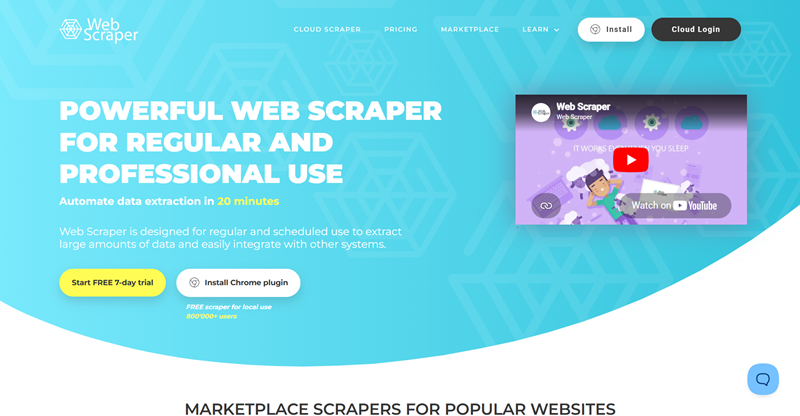
1. WebScraper.io (Browser Extension)
WebScraper.io is arguably the best starting point for beginners. It runs directly inside your Chrome or Firefox browser and uses a simple point-and-click interface to build extraction "sitemaps." There is no code to write. It is ideal for scraping paginated lists, product pages, and straightforward data tables.
The free tier runs entirely on your local machine, which means there is no cloud scheduling — you must keep your browser open while the scraper runs. For anyone taking their first steps in data extraction, this is the tool to start with.
2. Octoparse (Free Version)
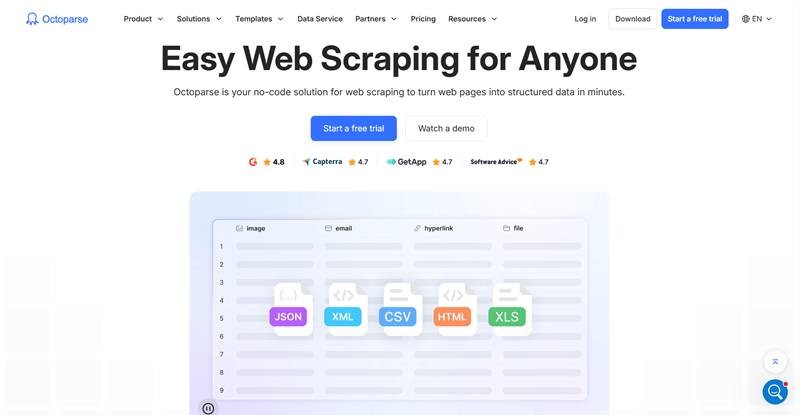
Octoparse is a powerful desktop application with an AI-assisted auto-detection feature that can identify data fields, pagination patterns, and site structure in under 30 seconds on most standard pages. The free version handles complex sites that use AJAX or heavy JavaScript rendering, and it comes with over 600 pre-built task templates covering social media, lead generation, real estate, and more.
The main limitation on the free plan is a cap of 10 concurrent tasks and lower scheduling priority compared to paid users. If you need a no-code desktop scraper that can handle dynamic content, Octoparse is one of the strongest choices available.
3. ParseHub
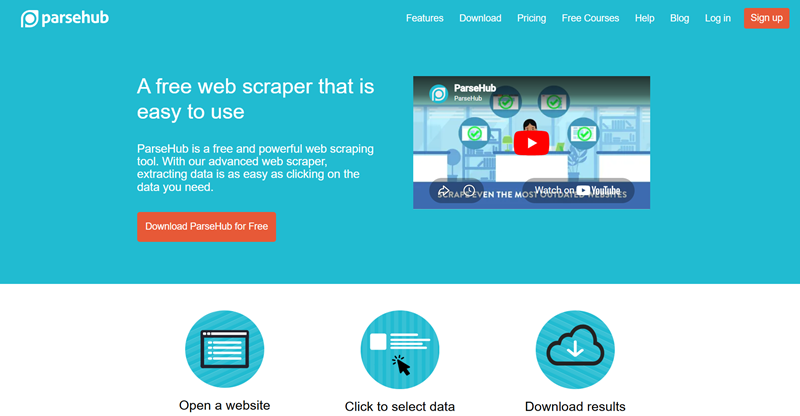
ParseHub is a cross-platform desktop scraper that handles genuinely difficult scenarios — infinite scrolling, pop-up dialogs, dropdown menus, and multi-step navigation — with a visual selector interface. It runs on Windows, Mac, and Linux, making it one of the few no-code desktop options available to Linux users.
The free tier is generous enough for small to medium projects, but limits you to five active projects and restricts IP rotation to paid plans. One important gotcha: after every click that changes the page (such as a pagination button), you must explicitly tell ParseHub whether it is a page change. Missing this step causes the scraper to silently stop or loop, which is the most common source of confusion for new users.
4. Scrapy (Python Framework)
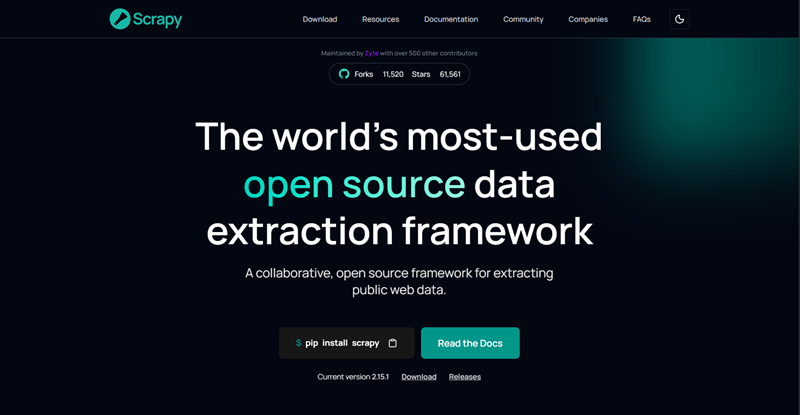
For developers comfortable with Python, Scrapy remains the industry standard for large-scale scraping. It is a fully open-source, asynchronous crawling framework with no usage caps whatsoever — your only cost is server resources. Scrapy processes multiple requests simultaneously, making it extremely fast for projects involving millions of pages.
It includes built-in CSS and XPath selectors, item pipelines for cleaning and storing data, and a rich middleware ecosystem for handling cookies, user-agent rotation, and retry logic. The trade-off is that it requires solid Python knowledge and does not render JavaScript natively, so JavaScript-heavy sites require an additional integration such as Splash or Playwright.
5. Playwright (Node.js / Python Library)
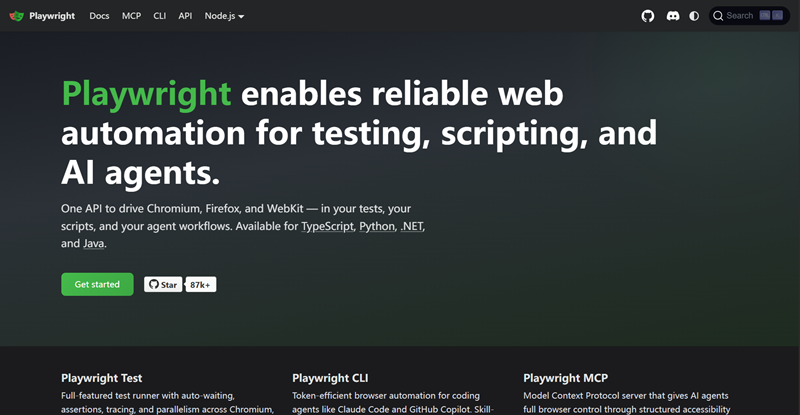
Playwright has become the go-to headless browser framework for web scraping in 2026, developed by Microsoft and now the default recommendation for new browser automation projects. Unlike Puppeteer, which is limited to Chromium, Playwright supports Chromium, Firefox, and WebKit from a single API. This cross-browser flexibility is valuable for scraping sites that behave differently across engines or that actively block one specific browser.
Playwright also features built-in auto-waiting — it automatically pauses until an element is ready before interacting with it, which dramatically reduces the flaky failures common in manual-wait setups. It supports Python, Node.js, Java, and .NET, and its per-context proxy model makes IP rotation cleaner and more straightforward than in competing frameworks. For new scraping projects that require JavaScript rendering, Playwright is currently the strongest open-source option.
6. Puppeteer (Node.js Library)
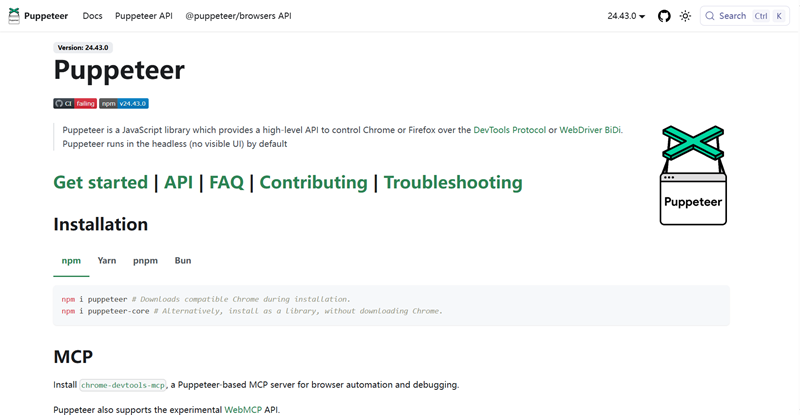
Puppeteer is Google's Node.js library for controlling Chromium-based browsers and remains a highly capable tool with over 94,300 GitHub stars as of early 2026. It is faster than Playwright for Chrome-only tasks due to its tighter, lower-overhead integration with the Chrome DevTools Protocol (CDP). Puppeteer's stealth plugin ecosystem is also mature, making it a preferred choice when bypassing sophisticated anti-bot systems is the top priority.
Its primary limitation is that it is effectively Chrome-only — Firefox support is experimental and WebKit is not supported at all. If you are working exclusively in Node.js and targeting Chromium-rendered sites, Puppeteer remains a rock-solid choice. For new multi-browser or multi-language projects, Playwright is generally the stronger pick.
7. Selenium (Multi-Language Framework)
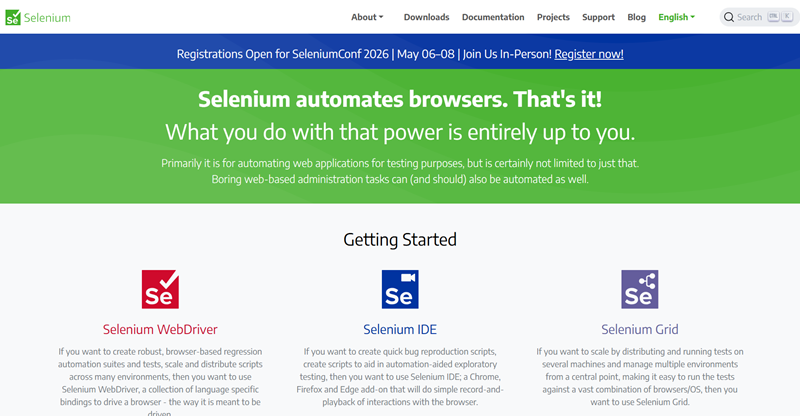
Selenium is one of the most widely used browser automation frameworks, originally built for web application testing and later adopted heavily for scraping. Its biggest strength is language flexibility: it supports Python, Java, JavaScript, C#, Ruby, and more, making it accessible to teams with diverse technical backgrounds. Selenium drives real, full browser instances, meaning it can handle any site a human can see — including complex login flows and multi-factor authentication pages.
The downside in 2026 is that Selenium is the easiest of the browser-automation tools to detect: its WebDriver protocol flags are trivially identified by modern anti-bot systems like Cloudflare, and patching all the detection vectors is an ongoing maintenance burden. For legacy projects or teams that need multi-language support, Selenium is still a practical choice. For new projects focused on stealth and performance, Playwright or Puppeteer are stronger alternatives.
Comparison Table: At a Glance
To help you choose the right tool, here is a side-by-side breakdown of how these free web scrapers compare across key dimensions.
| Scraper | Best For | Key Strengths | Free-Tier Limitations |
|---|---|---|---|
| WebScraper.io | Beginners | Zero-code, browser-based, easy sitemaps | No cloud scheduling; browser must stay open |
| Octoparse | Dynamic & JS-heavy sites | AI auto-detection, 600+ templates, AJAX support | Max 10 tasks; lower job priority on free plan |
| ParseHub | Desktop users (incl. Linux) | Handles pop-ups, infinite scroll, dropdowns | 5 projects max; IP rotation is paid-only |
| Scrapy | Developers needing scale | Fully open-source, async, no usage caps | Requires Python; no native JS rendering |
| Playwright | JS-heavy sites, multi-browser | Multi-browser, auto-wait, multi-language, built-in proxy | Requires coding; larger install footprint |
| Puppeteer | Chrome-focused stealth scraping | Fast, strong stealth plugins, large community | Node.js only; Chrome/Chromium only |
| Selenium | Multi-language teams, legacy projects | Supports Python, Java, C#, Ruby; drives real browsers | Easily detected by modern anti-bot systems |
The Hidden Traps: Why Free Scrapers Get Blocked
Using a free web scraper sounds straightforward, but it is rarely smooth in practice. Websites actively work to stop automated access. Understanding these traps is essential before you write a single line of scraping code.
① IP Rate Limiting
This is the most common block. Websites track how many requests arrive from a single IP address within a given time window. If your machine sends 100 requests in one minute, the site recognizes bot-like behavior and blocks your IP — sometimes for 24 hours or more. Slowing down your request rate helps, but it does not solve the problem for large-scale projects.
② CAPTCHAs
Challenges like "I am not a robot" checkboxes are specifically designed to stop automated tools. Most basic scraping libraries cannot solve these puzzles. Once a CAPTCHA appears, your extraction job stops. More sophisticated solutions exist, but they often fall outside the scope of free tools.
③ Browser Fingerprinting
Websites look at far more than just your IP address. They analyze screen resolution, operating system, browser version, installed fonts, and behavioral patterns like mouse movement timing. If these signals look like an automated headless browser — which they usually do with default tool settings — the site can silently block or serve altered content without your scraper even knowing.
④ TLS Fingerprinting (2026 Update)
An increasingly common detection method in 2026 is TLS fingerprinting. Every HTTP client — whether a browser, a scraping library, or a headless browser — presents a unique TLS handshake signature when connecting to a server. Advanced anti-bot platforms like Cloudflare can identify scraping tools by their TLS fingerprint alone, before a single HTML request is even made. Standard Selenium setups are particularly vulnerable to this technique, while tools like Playwright with Camoufox or Scrapy with curl_cffi are better positioned to avoid it.
Pro Tip: How to Make Free Scrapers Work Like Enterprise Tools
You do not need to pay for an expensive "Enterprise" scraper to get reliable results. The formula is simple: Free Scraper + High-Quality Residential Proxy = Enterprise-Grade Setup.
The root cause of most blocks is that your requests all originate from the same IP address. A residential proxy service solves this by routing your requests through real home IP addresses distributed around the world, making each request look like it comes from a genuine user.
Why OkeyProxy Is a Strong Match for Free Scrapers
If you want your free web scraper to perform reliably at scale, pairing it with a quality proxy provider makes a substantial difference. OkeyProxy is worth considering for this role for a few concrete reasons.
- Residential IPs from real devices: OkeyProxy routes traffic through IP addresses assigned to actual home users. This makes your scraper appear as a real person browsing, bypassing the vast majority of IP-based blocks that would stop datacenter proxies immediately.
- Large IP pool with per-request rotation: With a pool of over 150 million IP addresses, you can rotate your IP on every single request. The target website sees each request as coming from a different individual, which eliminates rate-limiting entirely for most use cases.
- SOCKS5 support: For developer-focused scrapers like Scrapy, Playwright, or Puppeteer that require fast, low-level connections, OkeyProxy offers full SOCKS5 support alongside standard HTTP proxies.
- Cost efficiency: Rather than upgrading to a paid scraper plan (which often just adds proxy capacity), keeping your free scraper and adding a dedicated proxy service like OkeyProxy typically gives you better IP quality at a lower overall cost.
Quick setup tip: In most tools, proxy configuration takes less than two minutes — navigate to the tool's network or connection settings, enter your OkeyProxy credentials (host, port, username, password), and enable IP rotation. Always verify your proxy is active before starting a large run.
Step-by-Step Guide: Running Your First Scraping Project
Ready to get started? Here is a practical four-step walkthrough for running your first project with a free web scraper.
Step 1: Choose Your Target Website
Pick a site that contains the public data you need — for example, a real estate listing site with property prices, or a retail site with product specifications. If you are just starting out, avoid pages behind login screens and stick to publicly accessible content.
Step 2: Define Your Selectors
Use your chosen tool to identify the elements you want to extract. In visual tools like WebScraper.io or Octoparse, this means clicking on elements directly in the page. In code-based tools like Scrapy or Playwright, you write CSS or XPath selectors. Either way, you are telling the scraper exactly which data points to collect — product name, price, image URL, and so on.
Step 3: Configure Your Proxy for Anonymity
Before you hit "Start," go into your scraper's network or proxy settings and enter your proxy credentials from OkeyProxy. This ensures the target website sees the proxy's rotating IP address rather than your own. Skipping this step on any serious project is one of the most common reasons people get blocked on their very first run.
Step 4: Export and Use Your Data
Once the scraper finishes, download your results. Most tools export directly to CSV or Excel. You now have a clean, structured dataset ready for analysis, visualization, or import into your workflow of choice.
Ethical Scraping: Best Practices
Just because data is technically accessible does not mean all scraping is appropriate. Following these practices keeps you unblocked, out of legal trouble, and on the right side of the community.
① Respect robots.txt
Always check yourtargetsite.com/robots.txt before scraping. This file specifies which parts of the site the owner permits automated access to. Respecting these directives is a foundational practice of ethical web scraping.
② Avoid Overloading Servers
Do not send hundreds of requests per second. This can degrade or crash a small website's server. Add a deliberate delay between requests — even 1–2 seconds — and your scraper will look far more like a human user while also being a more considerate guest on someone else's infrastructure.
③ Data Privacy: GDPR and CCPA
Be extremely careful when scraping personal data. Collecting names, email addresses, or phone numbers of individuals can expose you to significant legal liability under regulations like the EU's GDPR and California's CCPA. Focus on public business data and product information, and avoid scraping private individual details unless you have a clear legal basis for doing so.
Frequently Asked Questions
Q: Is web scraping legal in 2026?
A: Scraping publicly accessible data is generally legal in most jurisdictions, but you must respect the site's Terms of Service, honor robots.txt directives, and comply with applicable data privacy laws. Never scrape data that is behind a password or paywall without explicit permission from the site owner.
Q: Which free web scraper is best for Mac?
A: Both Octoparse and ParseHub have well-maintained Mac versions. If you prefer a browser extension, WebScraper.io works seamlessly on Chrome for macOS. For developers on Mac, Scrapy and Playwright both install cleanly via pip or npm.
Q: Can I scrape websites that require a login?
A: Yes — tools like Playwright, Puppeteer, and Selenium can automate login flows and maintain authenticated sessions. However, this is significantly more complex to set up, carries a higher risk of account suspension, and may violate the site's Terms of Service. Approach login-based scraping carefully and only when you have a legitimate reason to do so.
Q: Why does my free scraper keep getting blocked?
A: The most common causes are sending too many requests from a single IP, using a headless browser with default fingerprint settings, and encountering TLS fingerprint detection. The most effective fix is combining your scraper with a residential proxy service and adding delays between requests. Switching from Selenium to Playwright can also reduce detectability significantly.
Q: Do I need to pay for a pro scraper plan?
A: In many cases, no. Most paid scraper upgrades primarily add proxy capacity or cloud scheduling. By keeping a free scraper and adding a dedicated proxy service separately, you often get better performance at a lower total cost than an all-in-one paid plan.
Summary
Choosing the right free web scraper in 2026 comes down to matching the tool to your skill level and your target site's complexity. Beginners should start with WebScraper.io or Octoparse. Python developers will find Scrapy unmatched for large-scale crawling. For JavaScript-heavy sites requiring browser automation, Playwright is now the recommended starting point for new projects, with Puppeteer remaining a solid Chrome-focused alternative and Selenium still valuable for multi-language teams.
The single most important upgrade you can make — regardless of which free tool you choose — is pairing it with a quality residential proxy like OkeyProxy. The software handles what to collect; the proxy handles whether you can reach it at all. Together, they give you the reliability of an enterprise setup at a fraction of the cost.
