In 2026, the digital landscape has become more sophisticated than ever. Major platforms like Amazon, Facebook, and Google now use advanced AI-driven anti-fraud systems that identify users not just by IP address, but by their unique 浏览器指纹 — a collection of data points including screen resolution, hardware specifications, WebGL rendering, installed fonts, and behavioral patterns. If you manage multiple accounts for e-commerce, affiliate marketing, or social media, a standard browser simply will not cut it.
To stay under the radar, you need the best antidetect browser available. These specialized tools allow you to create isolated environments for each account, making each one appear as a distinct, legitimate user from anywhere in the world. In this guide, we break down the top 12 options based on fingerprinting quality, automation capabilities, pricing, and real-world performance — so you can choose the right tool for your specific workflow.
Quick Verdict (2026):
- Best for enterprise & fingerprint quality: 多重登录
- Best all-rounder for most users: GoLogin
- Best for automation & scaling: AdsPower
- Best for speed & stability: Octo Browser
- Best for mobile & TikTok: GeeLark
- Best free plan (10 profiles): Incogniton or BitBrowser
Quick Comparison: Top 12 Antidetect Browsers (2026)
Before we dive into detailed reviews, here is a high-level comparison of all 12 tools. Pricing is as of early 2026; always check each vendor’s official website for the most current figures.
| Browser | 最适合 | Key Differentiator | Free Plan | Paid Starting Price |
|---|---|---|---|---|
| AdsPower | Automation & Teams | Dual-engine RPA (no-code) | 2 profiles | From $9/mo |
| 比特浏览器 | Budget Scaling | 10 free permanent profiles | 10 profiles | From $10/mo |
| Dolphin{anty} | Ad Arbitrage | Built for paid traffic affiliates | 5 profiles | From $10/mo |
| GeeLark | Mobile / TikTok | Real cloud Android devices | 2 profiles + 30 min/mo | From $4.75/mo |
| GoLogin | All-Round Users | Android app + cloud launch | 3 profiles | From $9/mo |
| Incogniton | 联属营销 | Bulk profile creator, team sync | 10 profiles | From $19.99/mo |
| Kameleo | Mobile Fingerprinting | Android/iOS emulation on desktop | 2 Concurrent browsers | From $59/mo |
| MoreLogin | Affordable Entry | Real Canvas fingerprint technology | 2 profiles | From $9/mo |
| 多重登录 | Enterprise Security | Mimic + Stealthfox dual engines | 无 | From $10/mo |
| Nstbrowser | Developers & Scrapers | Free plan with API + headless mode | 500 profiles | From $29.9/mo |
| Octo Browser | High-Speed Performance | Rapid kernel updates, 99.99% uptime | 无 | From €10/mo |
| Undetectable.io | Local Profile Storage | Unlimited local profiles on paid plans | 5 cloud profiles | From $49/mo |
What Is an Antidetect Browser and How Does It Work?
An antidetect browser is a specialized web browser designed to mask or replace your real digital identity. While a standard browser like Chrome or Safari shares your actual hardware and software details with every website you visit, the best antidetect browsers provide each profile with a unique, internally consistent set of “fake” but perfectly believable data.
1. Browser Fingerprint Spoofing
Websites identify visitors through a combination of signals — WebGL rendering output, Canvas hashing, AudioContext fingerprints, installed system fonts, screen resolution, timezone, media device enumeration, and dozens of other parameters. Together these form your “browser fingerprint.” An antidetect browser generates a unique, consistent fingerprint for every profile you create. To the target website, Profile A appears to be a MacBook in London, while Profile B appears to be a Windows laptop in New York.
2. Profile Isolation (Sandboxing)
Each browser profile runs in its own isolated sandbox. Cookies, local storage, IndexedDB, and cache are never shared between profiles. If one account gets flagged or banned, the others remain completely unaffected — there is no data leakage between environments.
3. Proxy Integration: The Essential Partner
A browser can spoof your hardware identity, but it cannot change your internet location without a proxy. Even the most convincing fingerprint will fail if a “London profile” is connecting from a data center IP in Singapore. Pairing your antidetect browser with high-quality 住宅代理 is what completes the deception.
Editor’s Recommendation — Proxy Pairing: To maximize the effectiveness of your antidetect browser, pair it with OkeyProxy. With a pool of 150 million+ real residential proxies spanning 200+ countries, OkeyProxy provides the high-trust IP addresses needed to make each browser profile look like a genuine home user. Whether you are using AdsPower or Multilogin, OkeyProxy’s seamless integration ensures your “New York” profile actually connects from a clean, New York-based residential IP — dramatically reducing the risk of bans and security flags.
The 12 Best Antidetect Browsers of 2026
The following browsers are reviewed in alphabetical order. Each has a distinct strength; the right choice depends on your specific use case, team size, and budget.
1. AdsPower — Best for Automation & Teams
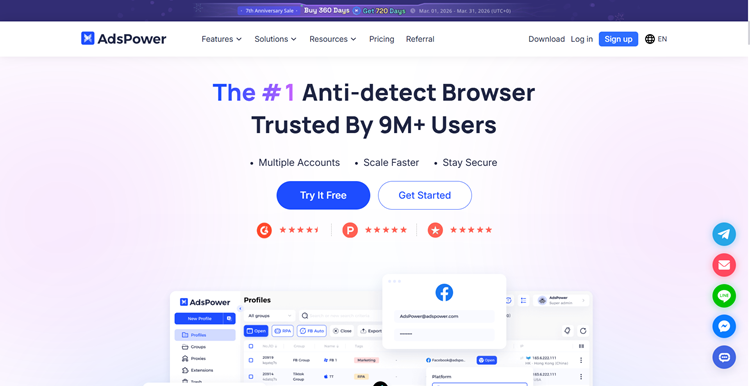
AdsPower is one of the most popular antidetect browsers on the market, trusted by millions of users across more than 200 countries. It runs on two separate browser engines — SunBrowser (Chromium-based) and FlowerBrowser (Firefox-based) — giving users flexibility to match the right engine to each platform’s requirements. Its standout feature is a no-code RPA (Robotic Process Automation) builder, which allows users to record and replay click sequences, scrolling, form filling, and logins without writing any code.
AdsPower supports over 20 configurable fingerprint parameters and offers a team permission system for assigning profile access to different members. It also includes a Synchronizer tool that mirrors actions across multiple profiles simultaneously — a significant time-saver for social media matrix operations.
Important note for TikTok users: AdsPower runs mobile platforms through a web emulator, which TikTok’s 2026 anti-fraud systems are increasingly able to detect. For serious TikTok automation, GeeLark’s true cloud Android environment is a stronger choice.
- 最适合 Facebook ad teams, e-commerce multi-account management
- Key Features: No-code RPA builder, dual browser engine, Synchronizer, bulk proxy uploader
- Platforms: Windows, macOS
- Free Plan: 2 profiles (permanent)
- Paid From: $9/month (10 profiles)
结论 Excellent for marketing teams that need scalable automation without coding skills. Competitive pricing, though costs rise noticeably when adding team seats. RPA credits are consumed per action, so calculate your expected usage carefully before scaling.
2. BitBrowser — Best for Budget-Conscious Users
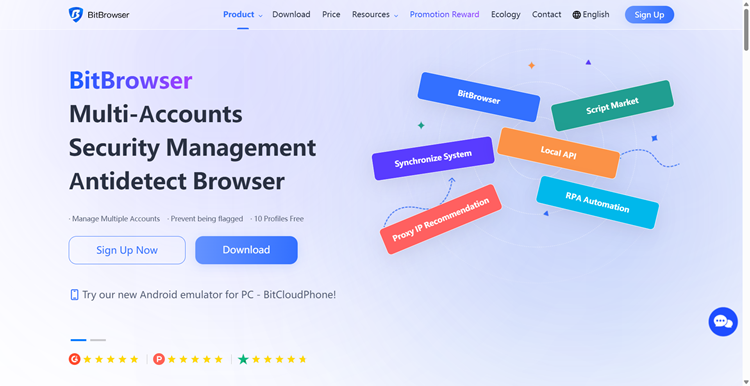
比特浏览器 is a practical, no-frills antidetect browser that focuses on delivering the core essentials at a low price point. Its most attractive feature is a permanent free plan that includes 10 fully functional profiles — one of the most generous free tiers in the market. It supports a wide range of browser extensions and offers profile grouping by tags, making it easier to organize large numbers of accounts by client or campaign.
BitBrowser supports deep fingerprint customization including WebGL, Canvas, and Audio parameters, and integrates with residential, mobile, and 数据中心代理. A cloud sync feature allows profiles to be shared and transferred across devices, and basic API support enables simple automation workflows.
- 最适合 Beginners, small teams, budget-sensitive operations
- Key Features: 10 permanent free profiles, tag-based grouping, extension sync, cloud backup
- Platforms: Windows, macOS
- Free Plan: 10 profiles (permanent)
- Paid From: ~$10/month (50 profiles)
结论 The most accessible free antidetect browser for users just starting out or running small-scale multi-account operations. A solid foundation before committing to a premium tool.
3. Dolphin{anty} — Best for Paid Traffic & Ad Arbitrage
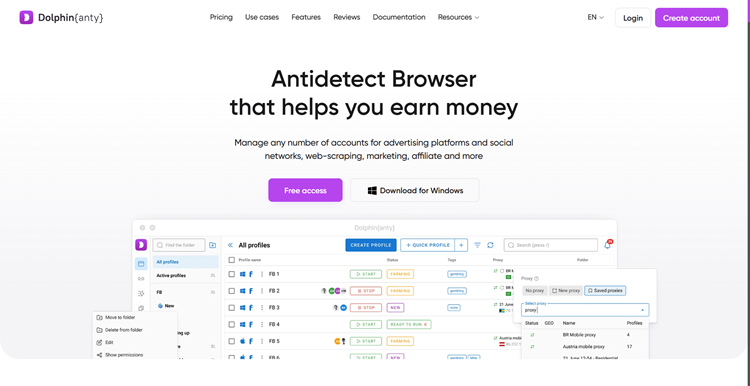
Dolphin{anty} was built by affiliates, for affiliates. Its interface is purpose-built for professionals running paid traffic campaigns on Google, Facebook, and TikTok, featuring one-click status updates, built-in notes for account management, and a profile Synchronizer for performing identical actions across multiple profiles simultaneously. It supports bulk proxy assignment and quick single-click profile creation.
Dolphin{anty} is available on Windows, macOS, and Linux. However, independent fingerprint testing in early 2026 found that Dolphin{anty} profiles were detected by the IPhey fingerprint checker on default settings — a meaningful limitation for high-risk environments. The browser also experienced a user data breach in 2022, which some users consider a trust concern.
- 最适合 Media buyers, ad arbitrage teams, paid traffic managers
- Key Features: Profile synchronizer, bulk proxy import, real-time status management, API support
- Platforms: Windows, macOS, Linux
- Free Plan: 5 profiles (permanent)
- Paid From: $10/month (20 profiles)
结论 A strong niche tool for ad arbitrage teams familiar with the affiliate marketing ecosystem. The generous free plan is a real plus for evaluation.
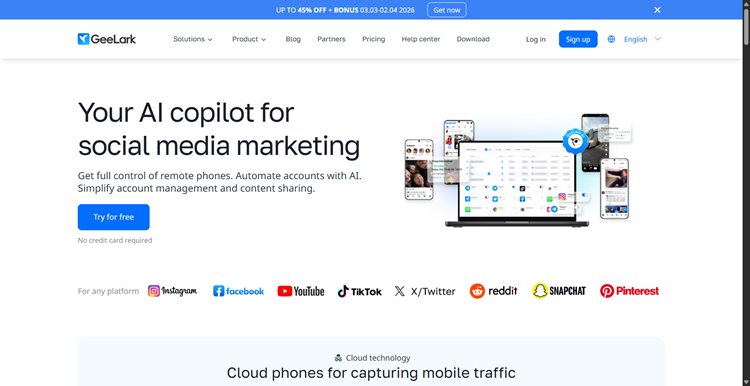
4. GeeLark — Best for TikTok & Mobile Platforms
GeeLark takes a fundamentally different approach from desktop-based antidetect browsers. Rather than emulating a mobile device inside a desktop browser, GeeLark provides real cloud-based Android environments — each profile runs on an actual Android device in the cloud, with its own unique IMEI, MAC address, Bluetooth ID, and full hardware telemetry. This makes it far more resistant to the kernel-level hardware detection that platforms like TikTok deploy in 2026.
GeeLark includes a Synchronizer feature for replicating actions across profiles and offers specialized TikTok automation tools. It runs on Windows, macOS (Intel and Apple Silicon), and Ubuntu Linux. Because cloud phone pricing is based on both profile count and usage time, costs can escalate for heavy 24/7 operations — plan carefully before scaling.
- 最适合 TikTok marketing, Instagram, and mobile-first social platforms
- Key Features: Real cloud Android device per profile, unique IMEI/MAC per profile, Synchronizer, TikTok automation tools
- Platforms: Windows, macOS, Ubuntu Linux
- Free Plan: 2 profiles + 30 minutes/month
- Paid From: $4.75/month (5 profiles)
结论 The strongest choice for anyone managing TikTok or other mobile-native platforms at scale. Real Android hardware eliminates the web emulation detection risk entirely — a categorical advantage over browser-based solutions for mobile platforms.
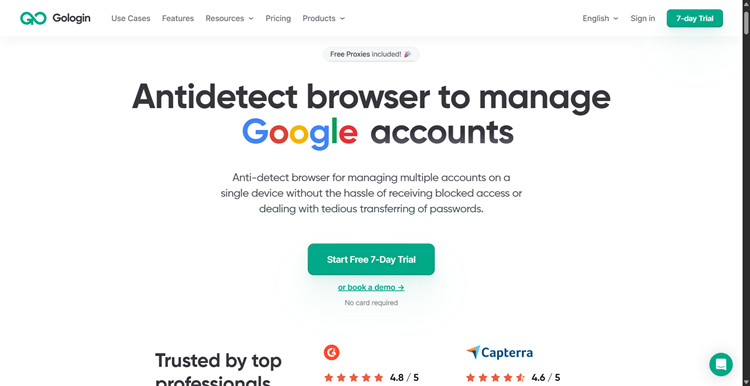
5. GoLogin — Best All-Rounder
GoLogin is consistently ranked among the best antidetect browsers for its exceptional balance of power, ease of use, and value. Built on its own Chromium-based Orbita engine, GoLogin offers deep fingerprint customization across dozens of parameters and has passed independent fingerprint consistency tests (PixelScan and IPhey) with clean results. It is the only antidetect browser that offers both a full Android mobile app 和一个 cloud web version, enabling profile management from any device without installing software.
GoLogin’s pricing is notably competitive for teams: its plans offer significantly more profiles per dollar than competitors like Multilogin or Dolphin{anty}. It includes built-in proxy options and supports third-party proxy integration. The interface is widely praised as the most beginner-friendly among serious antidetect tools.
- 最适合 Solo operators, small-to-medium teams, beginners
- Key Features: Android app, cloud launch, highly competitive pricing, clean fingerprints, broad OS support
- Platforms: Windows, macOS, Linux, Android, Web
- Free Plan: 3 profiles (permanent)
- Paid From: $9/month (10 profiles)
结论 The most versatile choice for the widest range of users. If you are unsure which antidetect browser to start with, GoLogin is the safest recommendation in 2026. The combination of mobile app, cloud launch, competitive pricing, and clean fingerprints is difficult to match.
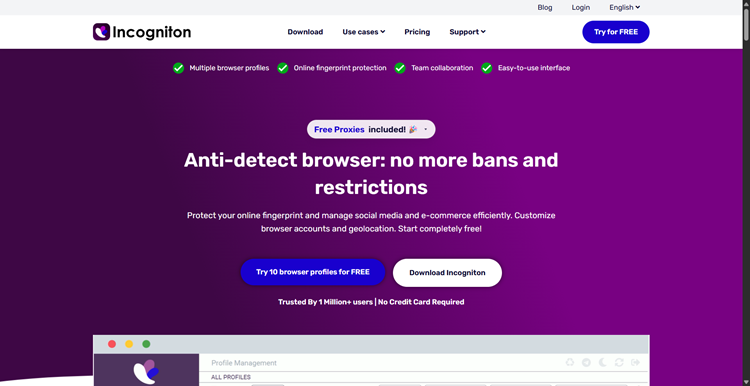
6. Incogniton — Best for Affiliate Marketing Teams
Incogniton is a capable antidetect browser aimed squarely at affiliate marketers and mid-size agencies. Its most notable feature is a robust bulk profile creator that allows users to generate and configure hundreds of profiles in a fraction of the time required by most competitors. Team collaboration features include cloud profile synchronization and shared access controls, making it practical for distributed marketing teams.
The browser offers human-like typing simulation (useful for warming up accounts), a built-in Cookie Collector for automating the cookie history that makes new accounts look more legitimate, and Selenium/API integration for technical users. Its free plan — 10 permanent profiles — is one of the most generous in the industry.
- 最适合 Affiliate marketing agencies, large-scale account management
- Key Features: Bulk profile creator, human typing simulation, cookie collector, team cloud sync, Selenium support
- Platforms: Windows, macOS
- Free Plan: 10 profiles (permanent)
- Paid From: $29.99/month (50 profiles)
结论 An excellent mid-tier option for affiliate teams that need efficient bulk profile management without paying Multilogin prices. The cookie warming feature adds meaningful value for long-term account survival.
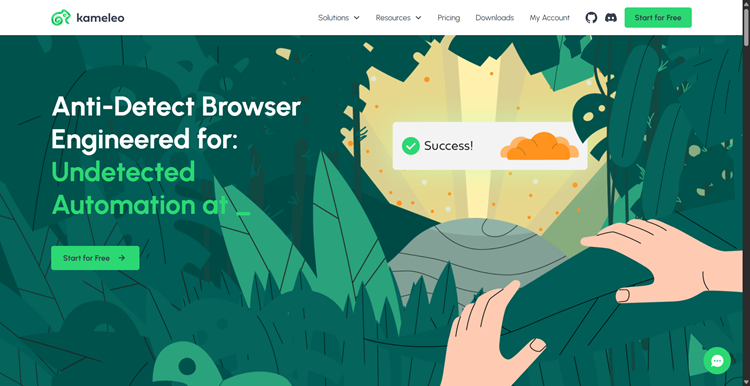
7. Kameleo — Best for Mobile Fingerprint Emulation
Kameleo takes a unique approach to fingerprint spoofing: rather than supporting only one or two browser engines, it allows users to run profiles that appear as Google Chrome, Mozilla Firefox, Microsoft Edge, or Safari on desktop, and emulate Android or iOS devices. This cross-engine flexibility makes it particularly valuable for mobile app testing and for platforms that treat different browsers differently.
Kameleo features intelligent Canvas spoofing and supports automation through Selenium, Playwright, and Puppeteer. Unlike most competitors, it stores profiles locally by default rather than in the cloud, which some users prefer for data security. There is no free plan, making it a committed purchase from the start.
- 最适合 Mobile emulation, app testing, cross-browser fingerprint spoofing
- Key Features: Chrome/Firefox/Edge/Safari spoofing, Android/iOS emulation, Selenium/Playwright/Puppeteer support, local storage
- Platforms: Windows, macOS
- Free Plan: 2 Concurrent browsers
- Paid From: $59/month
结论 A specialist tool best suited for developers and QA testers who need genuine cross-browser and cross-device fingerprint flexibility. The interface is considered dated compared to newer competitors.
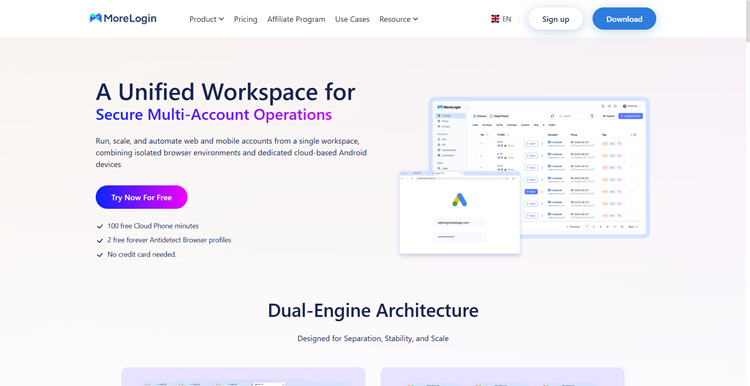
8. MoreLogin — Best for Affordable Entry-Level Use
MoreLogin is a user-friendly antidetect browser that prioritizes accessibility and affordability. It offers real Canvas fingerprint generation — rather than simply blocking Canvas, which many modern anti-fraud systems can detect — and is compatible with Selenium and Puppeteer automation frameworks. Profile management tools include cloud storage, profile copy and share, and mass proxy assignment.
Its feature set, while smaller than premium competitors, is adequate for most standard multi-accounting tasks. The proxy setup process has been noted as somewhat cumbersome by users, and update cycles can lag slightly behind competitors.
- 最适合 Individual users, cost-sensitive operations
- Key Features: Real Canvas fingerprinting, Selenium/Puppeteer support, cloud profile management
- Platforms: Windows, macOS
- Free Plan: 2 profiles (permanent)
- Paid From: $9/month (10 profiles)
结论 A solid, affordable entry point for individual users or small teams who do not need enterprise-grade features. The $9/month starting price is among the lowest in the industry.
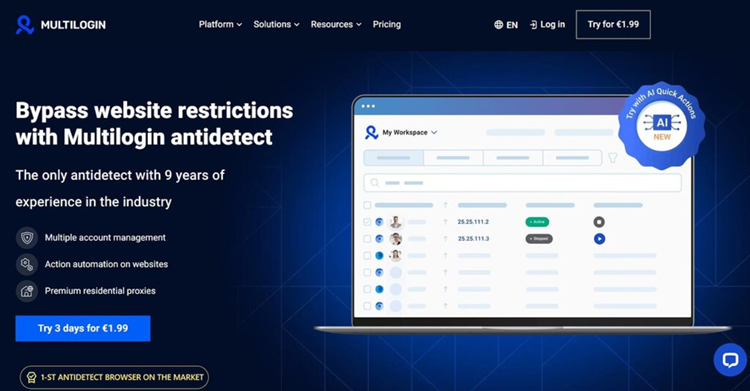
9. Multilogin — The Industry Standard for Enterprise Use
Founded in 2015, Multilogin is the longest-established and most respected name in the antidetect browser space. It is consistently ranked first for fingerprint quality and enterprise-grade reliability. Multilogin operates two proprietary browser engines: Mimic (Chromium-based) and Stealthfox (Firefox-based), both of which generate fingerprints from real hardware data rather than emulated values. Profile data is stored in the cloud with AES encryption, and team features include granular permission controls and full action audit logs.
Multilogin supports headless automation and is compatible with Selenium, Playwright, and Puppeteer — making it a favorite for technical teams running complex automation pipelines. It runs on Windows, macOS (including M1/M2 Apple Silicon), and Linux.
- 最适合 Enterprise teams, high-risk operations, professional agencies
- Key Features: Mimic + Stealthfox proprietary engines, AES cloud encryption, action audit logs, headless automation, team permissions
- Platforms: Windows, macOS (Intel & Apple Silicon), Linux
- Free Plan: 无
- Paid From: $10/month (10 profiles)
结论 The gold standard for fingerprint quality and enterprise security. If you are managing high-value accounts where a ban would be catastrophic — large Amazon seller accounts, significant ad spend budgets, high-balance crypto wallets — Multilogin is worth the premium.
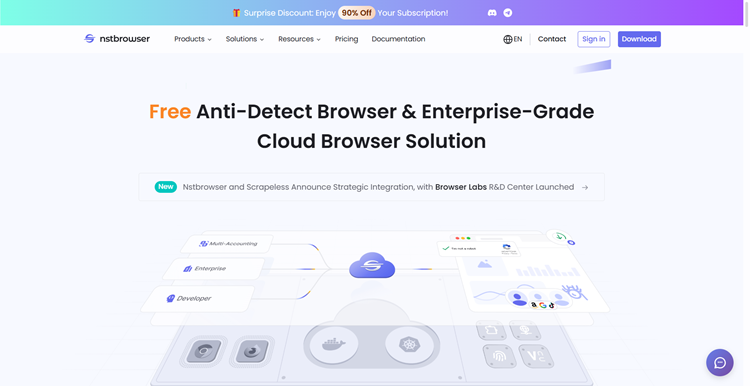
10. Nstbrowser — Best for Developers & Scraping Automation
Nstbrowser is a developer-focused antidetect browser that doubles as a full automation platform. Its standout features include a headless mode for running profiles in the background without a visible UI, an RPA framework with a marketplace of pre-built automation scripts, and a robust API that integrates with most existing automation pipelines. It supports both Chromium and Firefox fingerprint profiles.
Nstbrowser offers a surprisingly generous free tier for the level of technical functionality it provides. However, independent fingerprint testing has shown that NST profiles can be detected by the IPhey checker on default settings, which may require manual fine-tuning for use against stricter platforms.
- 最适合 Developers, web scrapers, automation engineers
- Key Features: Headless mode, RPA marketplace, robust API, Chromium + Firefox engines, free enterprise-level features
- Platforms: Windows, macOS
- Free Plan: 500 profiles
- Paid From: $29.9/month (100k profiles)
结论 The top choice for scraping developers and automation engineers who need deep API access and headless capabilities. Less suitable as an out-of-the-box solution for non-technical users who need reliable fingerprints without manual configuration.
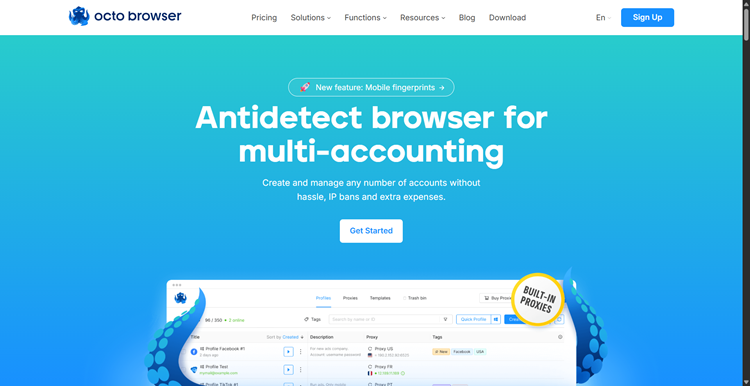
11. Octo Browser — Best for High-Speed Team Operations
Octo Browser is widely regarded as one of the most stable and performance-optimized antidetect browsers available. It uses real device fingerprints rather than emulated values, and its proprietary Octium engine is updated rapidly to track new Chrome releases — a critical advantage, since an outdated browser kernel version is itself a detectable fingerprinting signal. Octo boasts a reported uptime of 99.995% and won the “Best Anti-Detect Browser” award in 2024.
Its team management features are among the best in the industry: role-based permissions, profile password protection, two-factor authentication, and action audit logs are available even on standard plans. Octo has no reported data leaks in its history — a meaningful differentiator compared to competitors such as Dolphin{anty}, AdsPower, and Incogniton, which have faced security incidents.
The main limitation is the absence of a free plan or free trial. The Lite plan starts at €10/month with 3 profiles, and the full Starter plan at €29/month provides 10 profiles. Mass profile management features are more limited than those in AdsPower or GoLogin.
- 最适合 Affiliate marketers, crypto airdrop hunters, security-conscious agencies
- Key Features: Rapid Octium engine updates, 2FA, action audit log, no data breach history, real device fingerprints, mobile fingerprint support
- Platforms: Windows, macOS (Intel & Apple Silicon), Linux
- Free Plan: 无
- Paid From: €10/month (Lite, 3 profiles) / €29/month (Starter, 10 profiles)
结论 Excellent for teams that prioritize security, stability, and up-to-date fingerprints above all else. The “Best Anti-Detect Browser 2024” award and zero data breach record are strong trust signals in a space where security history matters.
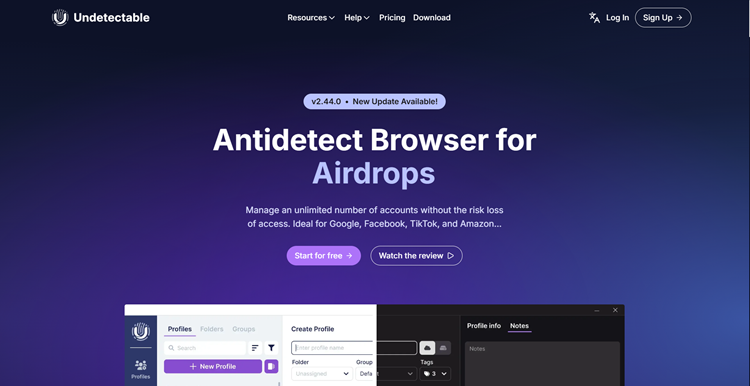
12. Undetectable.io — Best for Local Profile Storage at Scale
Undetectable.io focuses on stealth and local data control. Its most distinctive feature is the ability to create an unlimited number of local profiles on paid plans — profiles stored on your own machine rather than in the cloud — making it highly attractive for users who want to avoid cloud storage fees or keep sensitive account data entirely under their own control.
The browser also includes a built-in Cookie Robot for automatically building up browsing history on new profiles, helping “warm up” accounts before use. It supports over 40 configurable fingerprint parameters and allows both local and cloud profile storage, giving users flexibility. For teams or users who manage thousands of profiles and want predictable storage costs, Undetectable.io’s unlimited local profile model is difficult to match.
- 最适合 Large-scale operators, users who prefer local data control
- Key Features: Unlimited local profiles, built-in cookie robot, 40+ fingerprint parameters, cloud + local storage options
- Platforms: Windows, macOS
- Free Plan: 5 cloud profiles
- Paid From: $49/month
结论 A smart choice for power users who need to manage thousands of profiles locally and want to control storage costs at scale. The cookie warming feature adds meaningful practical value for long-term account survival.
How to Choose the Right Antidetect Browser
Selecting the best antidetect browser is not simply a matter of picking the most expensive option. The right tool depends on your specific workflow, technical requirements, team size, and budget. Consider the following decision points before committing.
Key Decision Criteria
- Fingerprint quality: For high-risk, high-value accounts (major Amazon seller accounts, large ad budgets, crypto wallets), prioritize Multilogin or Octo Browser. For standard marketing tasks, GoLogin or AdsPower are sufficient.
- Automation requirements: If you need to automate at scale without writing code, AdsPower’s RPA builder is the most accessible. For developer-grade automation pipelines, Nstbrowser or Multilogin’s headless API support are stronger choices.
- Platform type: For mobile-first platforms like TikTok, GeeLark’s real cloud Android hardware is categorically superior to browser-based emulation. For web platforms, any top-tier browser will serve well.
- Team size & collaboration: Small teams benefit from GoLogin’s simple pricing and Android app. Large agencies need the granular permission controls and audit logs offered by Multilogin or Octo Browser.
- Budget: Free plans from Incogniton or BitBrowser (both 10 profiles) are the best starting points. For paid plans, GoLogin offers the best value per profile at scale; Multilogin justifies its premium only for enterprise use cases.
- Operating system: GoLogin and Multilogin have the broadest OS support (Windows, macOS, Linux). Kameleo is Windows-only on desktop. Verify compatibility before committing.
Quick Recommendations by Use Case
| 使用案例 | Top Recommendation | 另类 |
|---|---|---|
| TikTok / Instagram automation | GeeLark (real cloud Android) | Kameleo |
| Facebook & Google ad management | AdsPower or Dolphin{anty} | GoLogin |
| Amazon / e-commerce multi-store | Multilogin or Octo Browser | GoLogin |
| Large-scale affiliate marketing | Incogniton or AdsPower | GoLogin |
| Web scraping & data extraction | Nstbrowser | Multilogin (headless) |
| Beginners / first antidetect browser | GoLogin | BitBrowser or Incogniton (free) |
| Enterprise / agency with strict security | 多重登录 | Octo Browser |
| Local profile storage at scale | Undetectable.io | Kameleo |
Why You Need an Antidetect Browser: Key Use Cases in 2026
Antidetect browsers have evolved from niche tools used by a small community of affiliate marketers into mainstream business infrastructure. In 2026, they serve a broad range of legitimate professional applications:
1. Multi-Store E-Commerce
Sellers on Amazon, eBay, and Etsy often need multiple storefronts for different product lines or markets. An antidetect browser keeps each store fully isolated, protecting your business continuity if one account is suspended unexpectedly.
2. Social Media Marketing (SMM)
Marketing agencies managing dozens of client accounts across Instagram, Facebook, and TikTok use antidetect browsers to prevent “suspicious login” flags and ensure each account is genuinely isolated from the others.
3. Ad Verification & Affiliate Marketing
Verifying how your ads appear across different countries, detecting ad fraud, and checking that affiliate links are not being cloaked or stolen by competitors all require isolated, geo-specific browser profiles.
4. Market Research & SERP Analysis
SEO professionals use antidetect browsers to check unbiased, location-specific search results without personalization interference — essential for accurate rank tracking and competitor analysis.
5. Crypto & DeFi Operations
Participating in blockchain airdrops, managing multiple wallets, and interacting with DeFi platforms that restrict multi-account activity all benefit from properly isolated browser profiles with unique fingerprints.
6. Web Scraping & Data Collection
Research firms and data analysts use antidetect browsers paired with proxies to collect public data at scale without triggering anti-bot protections or IP bans.
Critical Reminder — Proxies Complete the Setup: No matter how sophisticated your antidetect browser is, it only solves half the problem. Your browser fingerprint defines 谁 you appear to be; your IP address defines where you appear to be. A mismatched combination — such as a fingerprint set to “New York” connecting from a data center IP in Eastern Europe — will trigger detection on any serious anti-fraud system. Always pair your antidetect browser with OkeyProxy residential proxies to ensure geographic consistency and maximum account safety.
常见问题
What is the best antidetect browser in 2026?
The best antidetect browser depends on your specific needs. Multilogin leads for enterprise-grade fingerprint quality; GoLogin is the best all-rounder for most users; AdsPower excels for teams needing no-code RPA automation; and Octo Browser is the top pick for stability and fast kernel updates. Always pair any antidetect browser with residential proxies for maximum effectiveness.
Do I need a proxy with an antidetect browser?
Yes. An antidetect browser spoofs your hardware fingerprint but cannot change your IP address without a proxy. You need both: the browser to create a unique fingerprint, and a residential proxy to assign a matching, trusted IP address. Using datacenter proxies significantly increases the risk of detection and account bans.
Are antidetect browsers legal?
Antidetect browsers themselves are legal tools, widely used by marketing agencies, SEO professionals, and e-commerce sellers. Legality depends entirely on how you use them. Using them for fraud, identity theft, or deliberate violation of platform terms of service may be unlawful. Legitimate use cases — managing client social media accounts, running authorized ad campaigns, verifying ad placement, and conducting market research — are entirely legal in most jurisdictions.
What is the difference between an antidetect browser and a VPN?
A VPN only changes your IP address and encrypts traffic — it does not hide your browser fingerprint. An antidetect browser creates isolated profiles with unique fingerprints (Canvas, WebGL, fonts, timezone, and more) for each account. Used together with a residential proxy, an antidetect browser provides significantly stronger identity isolation than a VPN alone.
Which antidetect browser has the best free plan?
Incogniton and BitBrowser both offer 10 permanent free profiles — the most generous in the industry. GoLogin provides 3 permanent profiles. AdsPower offers 2 permanent free profiles. For developers, Nstbrowser provides a free plan with robust API access included.
Can antidetect browsers be detected?
No antidetect browser provides 100% guaranteed invisibility. Fingerprint detection technology evolves continuously alongside antidetect tools. Premium browsers like Multilogin and Octo Browser minimize detection risk through real hardware-sourced fingerprints and rapid kernel updates. However, poor proxy quality, inconsistent fingerprint configurations, and platform behavioral analysis can still lead to detection even with the best tools available.
结论
寻找 best antidetect browser is the essential first step toward scaling your online operations safely in 2026. Whether your priority is the enterprise-grade fingerprint quality of 多重登录, the no-code automation power of AdsPower, the all-round value of GoLogin, or the genuine mobile hardware environments of GeeLark, there is a tool precisely suited to your workflow and budget.
However, technology is only half the equation. An antidetect browser without a quality proxy is incomplete: the browser defines your digital identity, while the proxy defines your location. By combining a top-tier antidetect browser with the clean, global residential IP addresses provided by OkeyProxy, you create a complete, coherent digital identity capable of navigating even the most sophisticated anti-fraud systems with confidence.